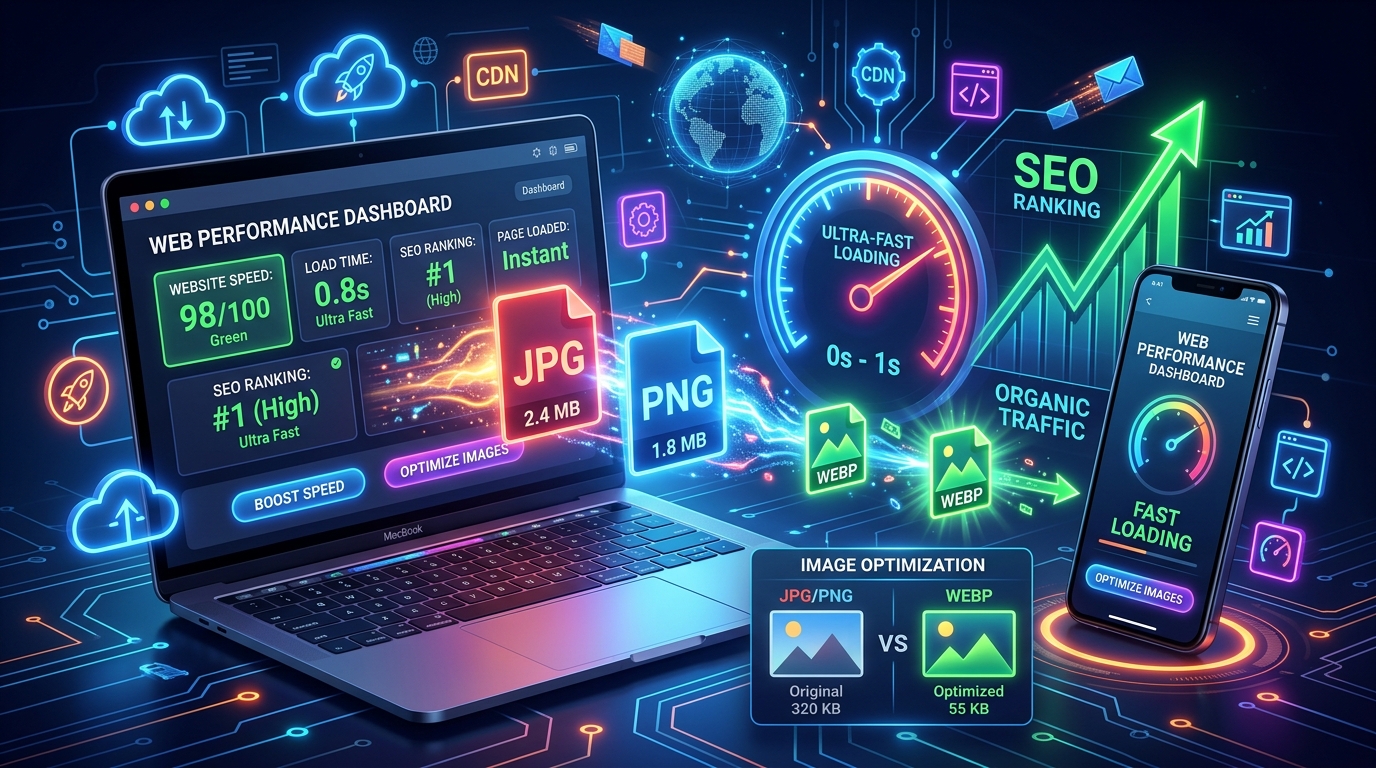
In today’s digital world, website speed matters more than ever. Users expect websites to load instantly, and search engines like Google prioritize fast-loading pages in search rankings. One of the best ways to improve website performance is by using WEBP images instead of traditional formats like JPG and PNG.
WEBP is a modern image format developed by Google that provides high-quality images with smaller file sizes. This means your website loads faster, uses less bandwidth, and performs better in search engine optimization (SEO).
In this article, you will learn why WEBP images are important, how they improve website speed, and why they can boost your SEO rankings.
What Is WEBP Format?
WEBP is an advanced image format designed to reduce image file sizes while maintaining excellent visual quality. It supports both lossy and lossless compression, transparency, and animation.
Compared to older image formats:
- WEBP files are usually much smaller than JPG files
- WEBP maintains better quality at lower sizes
- WEBP supports transparent backgrounds like PNG
- WEBP can replace GIF animations with smaller files
This combination makes WEBP one of the best image formats for modern websites.
Why Website Speed Matters
Website speed directly affects user experience. Studies show that users often leave a website if it takes more than a few seconds to load.
A slow website can cause:
- Higher bounce rates
- Lower engagement
- Fewer conversions
- Poor user satisfaction
- Lower search engine rankings
Fast websites provide a better browsing experience and encourage users to stay longer.
Search engines also consider speed as a ranking factor. Faster websites are more likely to appear higher in search results, leading to more traffic and visibility.
How WEBP Improves Website Speed
1. Smaller File Sizes
The biggest advantage of WEBP images is reduced file size.
WEBP images are typically:
- 25% to 35% smaller than JPG images
- Up to 50% smaller than PNG files
Smaller images load faster because the browser downloads less data.
For example:
- A JPG image of 500 KB may become a WEBP image of only 300 KB
- Multiple optimized images can save several megabytes on a webpage
This reduction greatly improves overall page speed.
2. Faster Page Loading
Images are often the heaviest part of a website. Large images slow down loading times, especially on mobile devices.
When using WEBP:
- Browsers load pages quicker
- Users can view content faster
- Websites become smoother and more responsive
Fast-loading pages improve the user experience and reduce frustration.
3. Reduced Bandwidth Usage
WEBP images consume less bandwidth because of their smaller size.
Benefits include:
- Faster browsing on slow internet connections
- Lower hosting costs
- Reduced server load
- Better performance for mobile users
This is especially useful for websites with many visitors or image-heavy content.
4. Better Mobile Performance
Most internet users now browse websites on smartphones. Mobile devices often use slower internet connections compared to desktops.
WEBP helps mobile optimization by:
- Loading images faster
- Saving mobile data
- Improving page responsiveness
- Enhancing user experience
A mobile-friendly website is essential for modern SEO success.
How WEBP Helps SEO
1. Improves Core Web Vitals
Core Web Vitals are important performance metrics used by Google to measure website quality.
These metrics include:
- Loading speed
- Interactivity
- Visual stability
WEBP images improve loading performance, which helps achieve better Core Web Vitals scores.
Better scores can positively impact search rankings.
2. Reduces Bounce Rate
Users dislike slow websites. If pages take too long to load, visitors often leave immediately.
WEBP images help pages load faster, encouraging users to:
- Stay longer
- Browse more pages
- Interact with content
Lower bounce rates send positive signals to search engines.
3. Improves User Experience
SEO is no longer only about keywords. Search engines now focus heavily on user experience.
Fast-loading pages with optimized images create:
- Smoother navigation
- Better readability
- Improved satisfaction
Happy users are more likely to return and share your content.
4. Helps Mobile SEO
Mobile-first indexing means search engines mainly evaluate the mobile version of your website.
Since WEBP improves mobile speed, it also supports:
- Better mobile rankings
- Faster smartphone browsing
- Improved mobile usability
This gives websites an advantage in competitive search results.
WEBP vs JPG
JPG Advantages
- Widely supported
- Good for photographs
- Easy to use
WEBP Advantages
- Smaller file sizes
- Better compression
- Faster loading
- Higher quality at reduced sizes
In most cases, WEBP performs better for websites focused on speed and SEO.
WEBP vs PNG
PNG files are excellent for transparent graphics, but they are usually large.
WEBP offers:
- Transparency support
- Much smaller file sizes
- Better optimization
This makes WEBP a better choice for logos, icons, and graphics with transparent backgrounds.
Does WEBP Reduce Image Quality?
Many website owners worry about image quality when compressing images.
The good news is that WEBP maintains impressive image quality even at smaller file sizes.
In most situations:
- Users cannot notice the difference
- Images remain sharp and clear
- Websites look professional
WEBP compression is highly efficient and designed for modern web performance.
Browser Support for WEBP
WEBP is supported by most modern browsers, including:
- Google Chrome
- Mozilla Firefox
- Microsoft Edge
- Safari
- Opera
This means almost all internet users can view WEBP images without problems.
Best Practices for Using WEBP Images
To get the best results, follow these tips:
Optimize Before Uploading
Even WEBP images should be optimized properly. Avoid uploading unnecessarily large dimensions.
Use Responsive Images
Serve different image sizes for different devices.
Responsive images improve loading speed further.
Add Alt Text
Always include descriptive alt text for SEO and accessibility.
Example:
- Good: “Blue sports car parked outside”
- Bad: “image123”
Compress Images Properly
Use balanced compression settings to maintain quality while reducing file size.
Use Lazy Loading
Lazy loading delays image loading until users scroll down the page.
This improves initial page speed significantly.
Who Should Use WEBP Images?
WEBP is ideal for:
- Blogs
- Business websites
- Online stores
- Portfolio sites
- News websites
- Photography websites
- SEO-focused websites
Any website that wants faster loading and better performance can benefit from WEBP images.
Final Thoughts
WEBP is one of the best image formats for modern websites. It helps reduce file sizes, improve loading speed, and enhance overall website performance.
By switching from JPG or PNG to WEBP, website owners can:
- Improve user experience
- Boost mobile performance
- Reduce bandwidth usage
- Achieve better SEO rankings
- Increase website speed
Fast websites attract more visitors, keep users engaged, and perform better in search engines. If you want to optimize your website for both users and SEO, using WEBP images is a smart and effective solution.